
Systems
Document Management Systems That Actually Find the Document
Secure, searchable, version-controlled document storage that ends the 'has anyone got the latest version?' email thread.
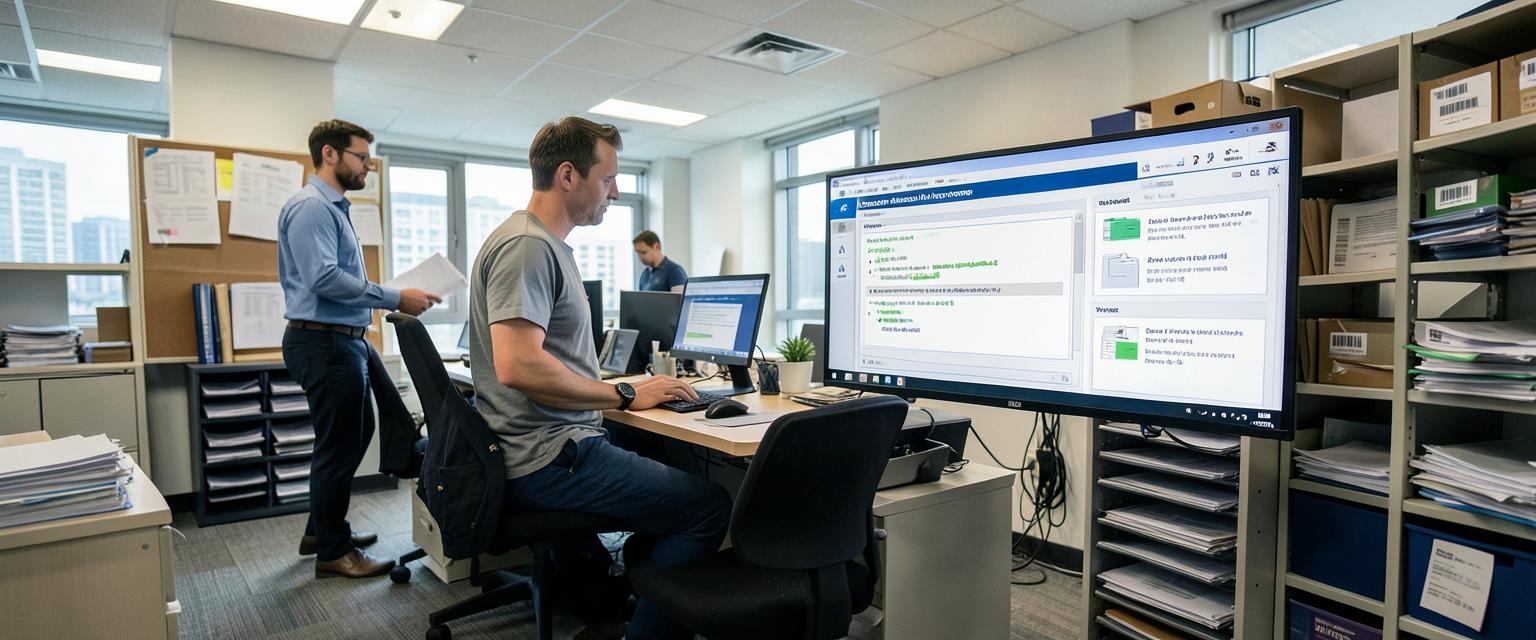
Every business has that one folder called 'Final_FINAL_v3_useTHIS.docx'. We build document management systems that make version control, permissions and searchability automatic, so nobody's hunting through email attachments for the right file ever again. Full audit trails, GDPR-conscious access controls, and integration with the other systems you already run. It's not glamorous, but it saves hours a week and it stops you losing important documents to a laptop that died three years ago.
Features and benefits
What you get
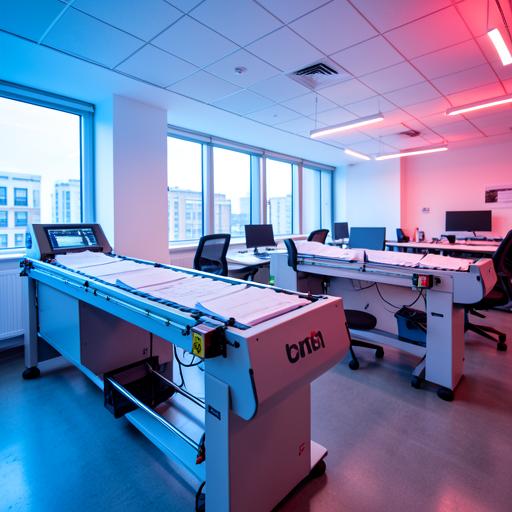
Version control
Every edit tracked and reversible, so there's never a question of which version is current.
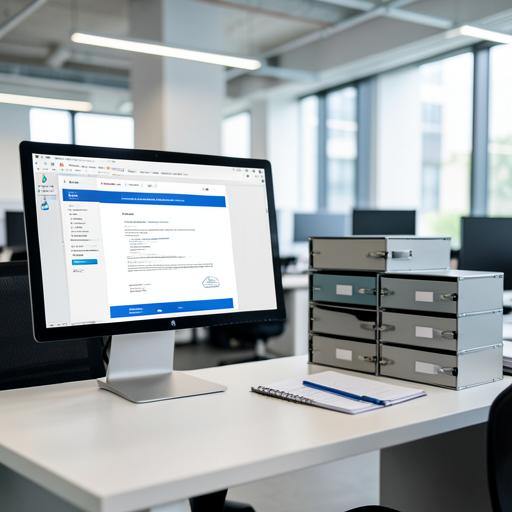
Granular access permissions
Control exactly who sees, edits or deletes each document, down to individual files.
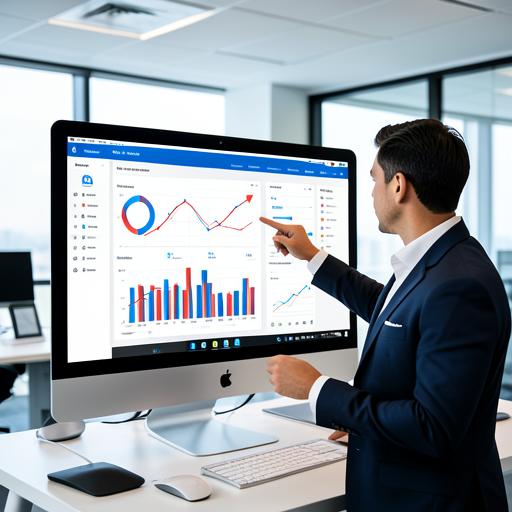
Full-text search
Find documents by content, not just filename, in seconds rather than minutes.

Audit trails
Complete history of who accessed, changed or deleted what, and when.

GDPR-conscious retention
Retention and deletion policies built in to help meet your GDPR obligations.

Integration with existing systems
Connects to your CRM, ERP or HR system so documents live alongside the records they relate to.
Expert insight
Why 'we'll just use shared drives' always ends badly
Shared drives and email attachments work fine until you have more than a handful of staff, at which point version confusion, accidental deletion and access control become genuine business risks. Most businesses only invest in proper document management after losing something important, which is the wrong order to do things in.
A proper document management system gives you version history, controlled access and searchability from the start, which matters enormously the day a regulator, auditor or client asks you to produce a specific document with a specific history.
It also matters for GDPR — knowing exactly where personal data sits, who can access it, and when it's due for deletion isn't optional any more, and a well-built system makes that straightforward rather than a quarterly panic.
How we do it
Six steps to implementation
- 01
Document audit
We find out what documents you have, where they live, and who needs access to what.
- 02
Structure and permissions design
A folder and permissions structure that matches how your business actually works.
- 03
System build
The platform is built and configured around your document types and workflows.
- 04
Migration
Existing documents migrated across with version history preserved wherever possible.
- 05
Integration
Connected to your CRM, ERP or other systems so records stay linked.
- 06
Training and support
Staff trained on the new system, with ongoing UK-based support afterwards.
25+
Years building business software
1000s
Documents migrated safely
UK-wide
Clients supported
Questions
Frequently asked
Can it integrate with our CRM or ERP?+
Yes. Our document management systems are built to integrate directly with your existing CRM, ERP or other business software, so files are attached to the right record automatically rather than living in a separate silo. That means staff aren't hunting through shared drives or email attachments to find the version that matters. Integration is planned in from the start of the build, not bolted on afterwards.
Does it help with GDPR compliance?+
Yes. GDPR-conscious retention policies and access controls are built into the document management system, so personal data isn't kept longer than it should be and only the right people can see it. That makes it far easier to answer a subject access request or demonstrate compliance to an auditor. Data protection is designed in from day one, not added as an afterthought.
Can we control who sees which documents?+
Yes. Permissions in the document management system can be set at folder level or right down to an individual document, so sensitive files only reach the people who genuinely need them. That's particularly useful for HR records, contracts or client-sensitive material sitting alongside everyday business documents. Access can be reviewed and changed at any time as roles change.
Is there full version history?+
Yes. Every change to a document is tracked automatically, and previous versions can be restored in full if something gets edited incorrectly or overwritten by mistake. That removes the usual chaos of filenames like "final_v3_actually_final" and gives you a reliable audit trail for every file. It's a core feature of the system, not an optional extra.
Can we migrate documents from our current shared drives?+
Yes. Migrating documents from your current shared drives, file servers or other storage is part of the standard build process, not a separate project you have to plan yourself. We map what exists, move it across carefully, and preserve folder structures and permissions where it makes sense to. Nothing gets abandoned in the switch to a proper document management system.