
Claris FileMaker
Upgrade From FileMaker 2024
FileMaker 2024 is only a year old, but the annual release cycle means you're already a full cycle behind.
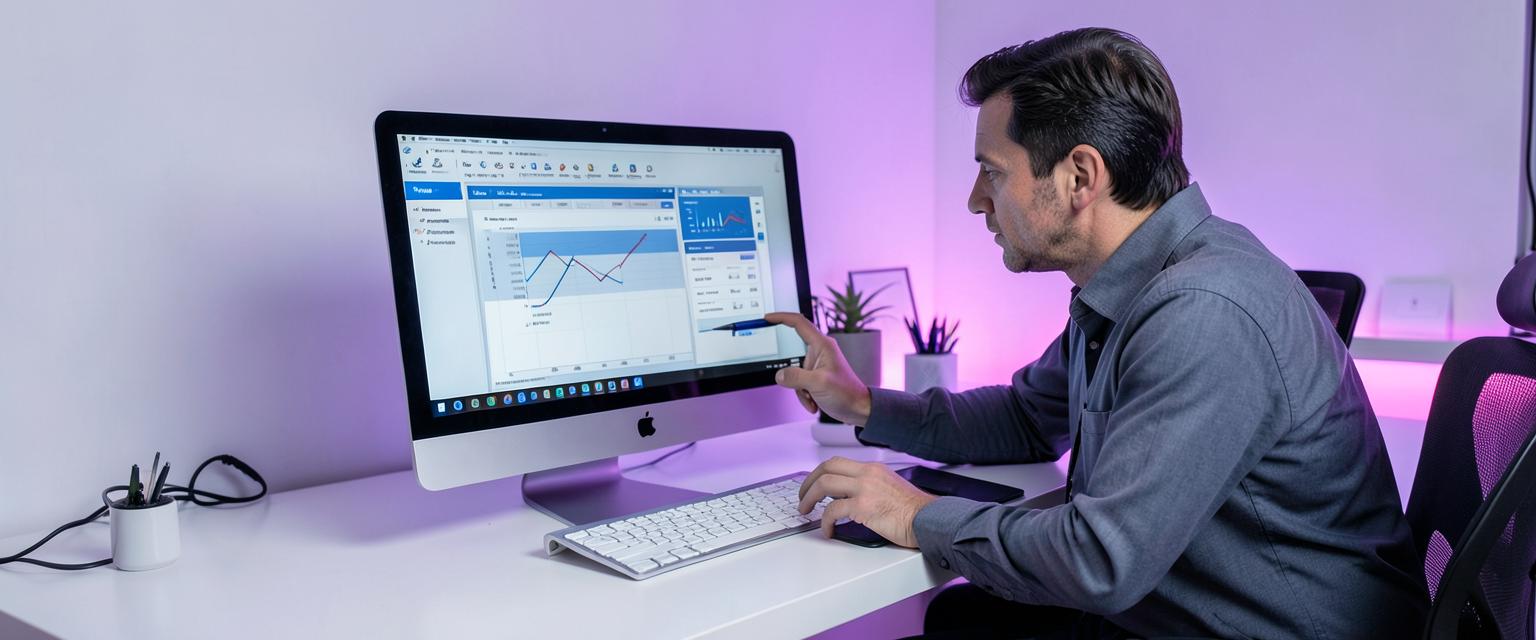
FileMaker 2024 is a capable, relatively recent release, which is precisely why people assume upgrading from it can wait. Under the current yearly cadence, though, a single version behind still means missing a full year's worth of security patches, performance work and platform refinement, particularly around AI-assisted development tooling and Data API improvements that Claris has continued to build out. We upgrade FileMaker 2024 solutions for businesses across the UK, checking scripts, layouts and integrations before touching anything. From Bicester, and with 25 years of FileMaker work behind us, we treat even a one-version upgrade with the same care as a much bigger jump, because complacency is exactly how small gaps become expensive ones.
Features and benefits
What you get

Stay ahead of the annual cycle
One version behind is manageable now. Leaving it another year makes the eventual jump bigger.

Latest security patching
Move onto the version actively receiving Claris security updates rather than the previous one.

Refined AI-assisted tooling
Recent releases have continued improving development assistance features that FileMaker 2024 doesn't fully include.
Data API and OData improvements
Later releases build further on API capability, useful if you integrate with other systems.

Low-risk, quick turnaround
A single-version upgrade is typically one of the smoother migrations we handle.
Thoroughly tested before go-live
We validate every workflow on a test copy first, so there are no surprises on your live system.
Expert insight
Why even a one-version gap is worth closing
It's tempting to think a single version behind barely counts, especially with a release as capable as FileMaker 2024. Under the yearly release model that Claris now runs, though, one version behind means a full year's cycle of security patches and refinements you haven't received, and that gap starts compounding the moment you decide it can wait.
The businesses that stay comfortably current are, almost without exception, the ones that treat each annual release as a small, low-risk update rather than waiting and turning it into an infrequent, high-risk overhaul. It's the software equivalent of servicing a car every year instead of every five.
Practically speaking, an upgrade from FileMaker 2024 tends to be quick, since so little architectural change happens in a single annual cycle. It's still worth doing properly, with real testing, because 'quick' isn't the same as 'unimportant.'
How we do it
Six steps to implementation
- 01
Version comparison
We identify exactly what's changed between your current version and the latest release.
- 02
Compatibility check
We confirm scripts, layouts and integrations work correctly against the newer version.
- 03
Test migration
We move a copy of your solution to the current version and run it through its paces.
- 04
Performance validation
We check that performance has genuinely improved, and investigate if it hasn't.
- 05
Server update
We update your hosting environment to the current supported version alongside the client-side upgrade.
- 06
Go-live
We manage the switchover and remain available for any post-upgrade adjustments.
25+
Years of FileMaker upgrade work
100+
Solutions migrated
UK-wide
Businesses supported
Questions
Frequently asked
Is it really worth upgrading from a version this recent?+
Yes. Under Claris's yearly release cycle, even one version behind means missing a full year's worth of security patches and performance improvements. It's tempting to assume a recent version like FileMaker 2024 barely counts as out of date, but that gap compounds if left unaddressed. Treating each annual release as a small, routine update is far less disruptive than letting several years stack up. We'll assess exactly what you're missing before recommending anything.
How long does a single-version upgrade take?+
Typically one of our quicker jobs, since so little architectural change happens within a single annual FileMaker release cycle. That said, we still test thoroughly on a copy rather than rushing it through, because 'quick' shouldn't mean 'careless'. Scripts, layouts and integrations all get checked against the newer version before anything touches your live system. Most single-version upgrades are completed with minimal fuss and no lasting disruption.
Will this upgrade disrupt daily use of our system?+
We do the work on a test copy first, so live disruption is kept to a brief, planned cutover window rather than an open-ended migration. Your team continues using the existing system normally while testing happens behind the scenes. Once we're confident everything behaves correctly, the switch itself is scheduled at a sensible time. It's a controlled process specifically designed to avoid catching anyone off guard.
Do we need to upgrade every single year?+
It's the safest and most cost-effective approach, since annual upgrades stay small and manageable rather than accumulating into a bigger job. That said, if you do fall behind, we can still catch you up in one properly planned project rather than several separate ones. We'd rather be honest about the risk of delaying than push unnecessary upgrades you don't need. Either way, we'll recommend what genuinely makes sense for your solution.
Can you do this remotely if we're not near Bicester?+
Yes, upgrade work is carried out remotely for clients across the UK as a matter of course, using test environments and secure remote access. Being based in Bicester, Oxfordshire doesn't limit our reach, and most FileMaker 2024 upgrades involve no site visit whatsoever. The same careful testing and cutover planning applies regardless of where you're based. Distance has never been a barrier to doing this properly.